Most ebook files are in PDF format, so you can easily read them using various software such as Foxit Reader or directly on the Google Chrome browser.
Some ebook files are released by publishers in other formats such as .awz, .mobi, .epub, .fb2, etc. You may need to install specific software to read these formats on mobile/PC, such as Calibre.
Please read the tutorial at this link. https://ebooknice.com/page/post?id=faq
We offer FREE conversion to the popular formats you request; however, this may take some time. Therefore, right after payment, please email us, and we will try to provide the service as quickly as possible.
For some exceptional file formats or broken links (if any), please refrain from opening any disputes. Instead, email us first, and we will try to assist within a maximum of 6 hours.
EbookNice Team
Status:
Available0.0
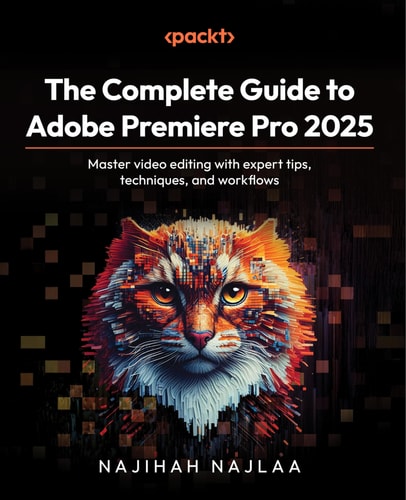
0 reviewsYou’ll master Premier Pro 2025 from the ground up as you explore its interface and fundamental editing tools. Through hands-on lessons, you’ll get to grips with core techniques for working with video and audio, organizing assets, and applying stunning effects and build your skillset to include advanced skills color grading, color correction, transitions and effects, and refining audio quality using the Essential Sound panel. You’ll also learn editing techniques like compositing and multicam editing used by professionals. Beyond tools and techniques, the book emphasizes video editing best practices for project planning, structuring workflows, troubleshooting, and avoiding common mistakes.
Whether you're creating content for media aspiring to edit feature films, this guide will give you the confidence to undertake any video project and bring your creative vision to life.
What you will learn
Import video files into Premiere Pro seamlessly
Create bins to organize your footage and manage your media assets
Split and trim video clips to create the desired sequence of shots and remove unwanted footage
Use transitions to smoothly connect different shots and create a cohesive video
Apply audio filters and motion graphics, and perform color correction to enhance your videos
Discover tricks to boost performance and avoid common editing pitfalls
4.8
16 reviews
4.7
31 reviews
4.3
20 reviews
4.3
18 reviews
4.8
13 reviews