Most ebook files are in PDF format, so you can easily read them using various software such as Foxit Reader or directly on the Google Chrome browser.
Some ebook files are released by publishers in other formats such as .awz, .mobi, .epub, .fb2, etc. You may need to install specific software to read these formats on mobile/PC, such as Calibre.
Please read the tutorial at this link. https://ebooknice.com/page/post?id=faq
We offer FREE conversion to the popular formats you request; however, this may take some time. Therefore, right after payment, please email us, and we will try to provide the service as quickly as possible.
For some exceptional file formats or broken links (if any), please refrain from opening any disputes. Instead, email us first, and we will try to assist within a maximum of 6 hours.
EbookNice Team

Status:
Available0.0
0 reviews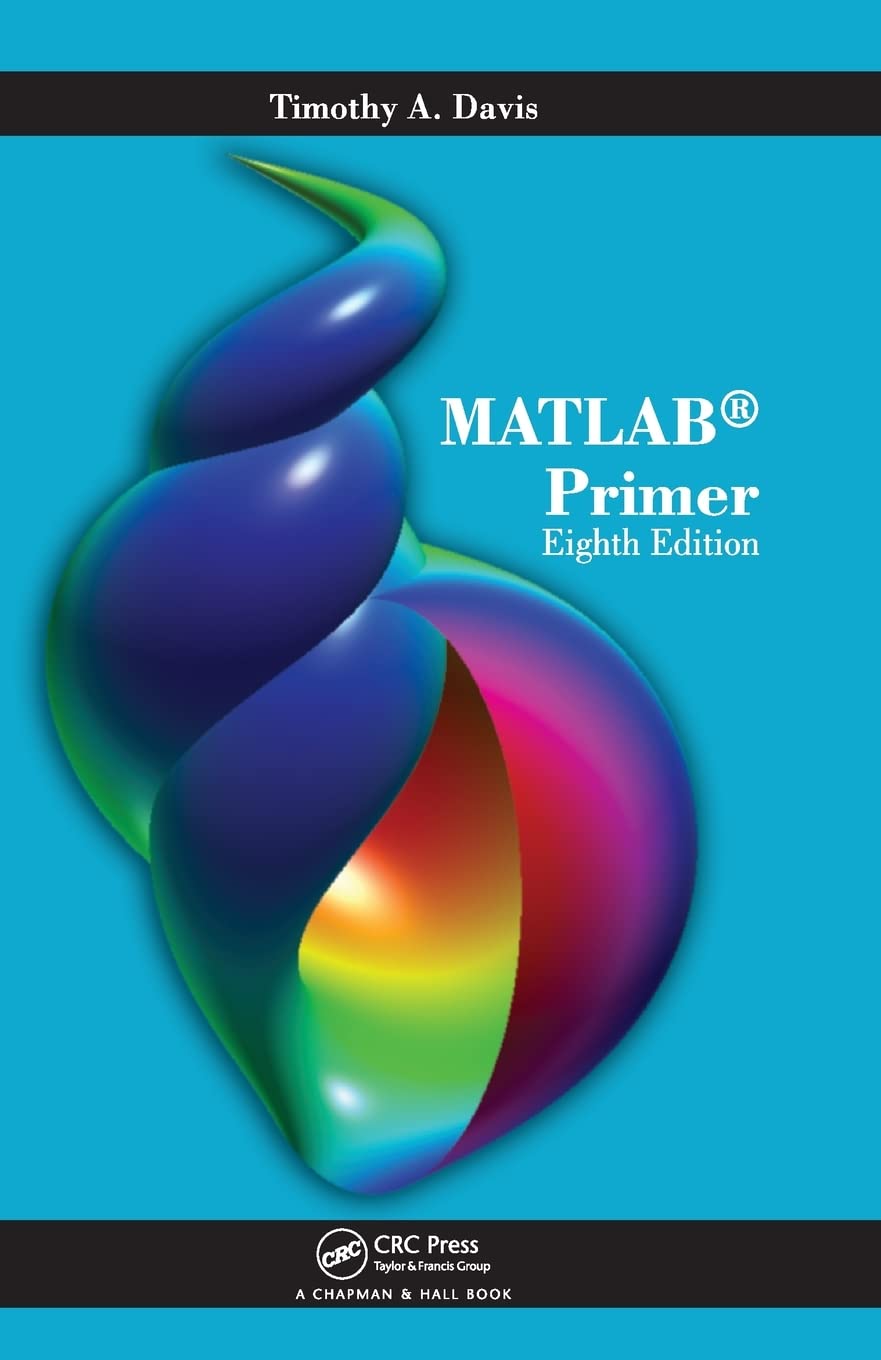
ISBN 10: 1439828628
ISBN 13: 9781439828625
Author: Timothy Davis
Highlighting the new aspects of MATLAB® 7.10 and expanding on many existing features, MATLAB® Primer, Eighth Edition shows you how to solve problems in science, engineering, and mathematics. Now in its eighth edition, this popular primer continues to offer a hands-on, step-by-step introduction to using the powerful tools of MATLAB.
1 Getting Started
2 The MATLAB Desktop
2.1 Command Window
2.2 Command History window
2.3 Current Folder window
2.4 Workspace window
2.5 Help window
2.6 File Exchange window
2.7 Variable Editor window
3 Matrices and Matrix Operations
3.1 Referencing individual entries
3.2 Matrix operators
3.3 Matrix division (slash and backslash)
3.4 Entry-wise operators
3.5 Relational operators
3.6 Complex numbers
3.7 Strings
4 Submatrices and Colon Notation
4.1 Generating vectors
4.2 Accessing submatrices
5 MATLAB Functions
5.1 Constructing matrices
5.2 Scalar functions
5.3 Vector functions and data analysis
5.4 Matrix functions
5.5 The linsolve function
5.6 The find function
5.7 1-D indexing and the reshape function
5.8 Logical indexing
5.9 The bsxfun and repmat functions
6 M-Files
6.1 M-File Editor window
6.2 Script files
6.3 Function files
6.4 Multiple inputs and outputs
6.5 Variable arguments
6.6 Unused arguments
6.7 Comments and documentation
6.8 The MATLAB path
7 Control Flow Statements
7.1 The for loop
7.2 The while loop
7.3 The if statement
7.4 The switch statement
7.5 The try/catch statement
7.6 Matrix expressions (if and while)
7.7 Infinite loops
8 Advanced Data Structures
8.1 Cell arrays
8.2 Structs
8.3 Sets
8.4 Other data types
9 Object-Oriented Programming
9.1 Object methods
9.2 Object inheritance and abstract classes
9.3 Object attributes
9.4 A more extensive example
9.5 Object handle classes
10 Advanced M-file Features
10.1 Function handles and anonymous functions
10.2 Name resolution
10.3 Error and warning messages
10.4 User input
10.5 Performance measures
10.6 Efficient code
11 Code Development Tools
11.1 Code Analyzer (M-Lint) report
11.2 Advanced Editor features
11.3 TODO/FIXME report
11.4 Help report
11.5 Contents report
11.6 Dependency report
11.7 Profiler tool and Coverage report
11.8 File and Folder Comparison tool
12 Calling C from MATLAB
12.1 A simple example
12.2 C versus MATLAB arrays
12.3 A matrix computation in C
12.4 MATLAB mx and mex routines
12.5 Online help for MEX routines
12.6 Larger examples on the web
13 Calling Fortran from MATLAB
13.1 Solving a transposed system
13.2 A Fortran mexFunction with %val
13.3 If you cannot use %val
14 Calling Java from MATLAB
14.1 A simple example
14.2 Encryption/decryption
14.3 Java class path
14.4 Calling your own Java methods
14.5 Loading a URL as a matrix
15 Two-Dimensional Graphics
15.1 Planar plots
15.2 Multiple figures
15.3 Graph of a function
15.4 Parametrically defined curves
15.5 Titles, labels, text in a graph
15.6 Control of axes and scaling
15.7 Multiple plots
15.8 Line types, marker types, colors
15.9 Subplots and specialized plots
15.10 Graphics hard copy
16 Three-Dimensional Graphics
16.1 Curve plots
16.2 Mesh and surface plots
16.3 Parametrically defined surfaces
16.4 Volume and vector visualization
16.5 Color shading and color profile
16.6 Perspective of view
17 Advanced Graphics
17.1 Handle Graphics
17.2 Graphical user interface
17.3 Images
18 Sparse Matrix Computations
18.1 Storage modes
18.2 Generating sparse matrices
18.3 Computation with sparse matrices
18.4 Permutation vectors and matrices
18.5 Visualizing matrices
19 The Symbolic Math Toolbox
19.1 Symbolic variables
19.2 Calculus
19.3 Variable precision arithmetic
19.4 Numeric and symbolic substitution
19.5 Algebraic simplification
19.6 Two-dimensional graphs
19.7 Three-dimensional surface graphs
19.8 Three-dimensional curves
19.9 Symbolic matrix operations
19.10 Symbolic linear algebraic functions
19.11 Solving algebraic equations
19.12 Solving differential equations
19.13 Further MuPAD access
20 Polynomials, Interpolation, and Integration
20.1 Representing polynomials
20.2 Evaluating polynomials
20.3 Polynomial interpolation
20.4 Numeric integration (quadrature)
21 Solving Equations
21.1 Symbolic equations
21.2 Linear systems of equations
21.3 Polynomial roots
21.4 Nonlinear equations
21.5 Ordinary differential equations
21.6 Other differential equations
22 Displaying Results
23 Cell Publishing
matlab primer 8th edition pdf
matlab primer by mathworks
adaptive filtering primer with matlab
fundamentals of electric machines a primer with matlab
statistics in matlab a primer
Tags: Timothy Davis, MATLAB Primer


5.0
41 reviews
4.6
12 reviews

4.7
9 reviews
5.0
5 reviews
4.5
38 reviews