
Most ebook files are in PDF format, so you can easily read them using various software such as Foxit Reader or directly on the Google Chrome browser.
Some ebook files are released by publishers in other formats such as .awz, .mobi, .epub, .fb2, etc. You may need to install specific software to read these formats on mobile/PC, such as Calibre.
Please read the tutorial at this link. https://ebooknice.com/page/post?id=faq
We offer FREE conversion to the popular formats you request; however, this may take some time. Therefore, right after payment, please email us, and we will try to provide the service as quickly as possible.
For some exceptional file formats or broken links (if any), please refrain from opening any disputes. Instead, email us first, and we will try to assist within a maximum of 6 hours.
EbookNice Team
Status:
Available4.5
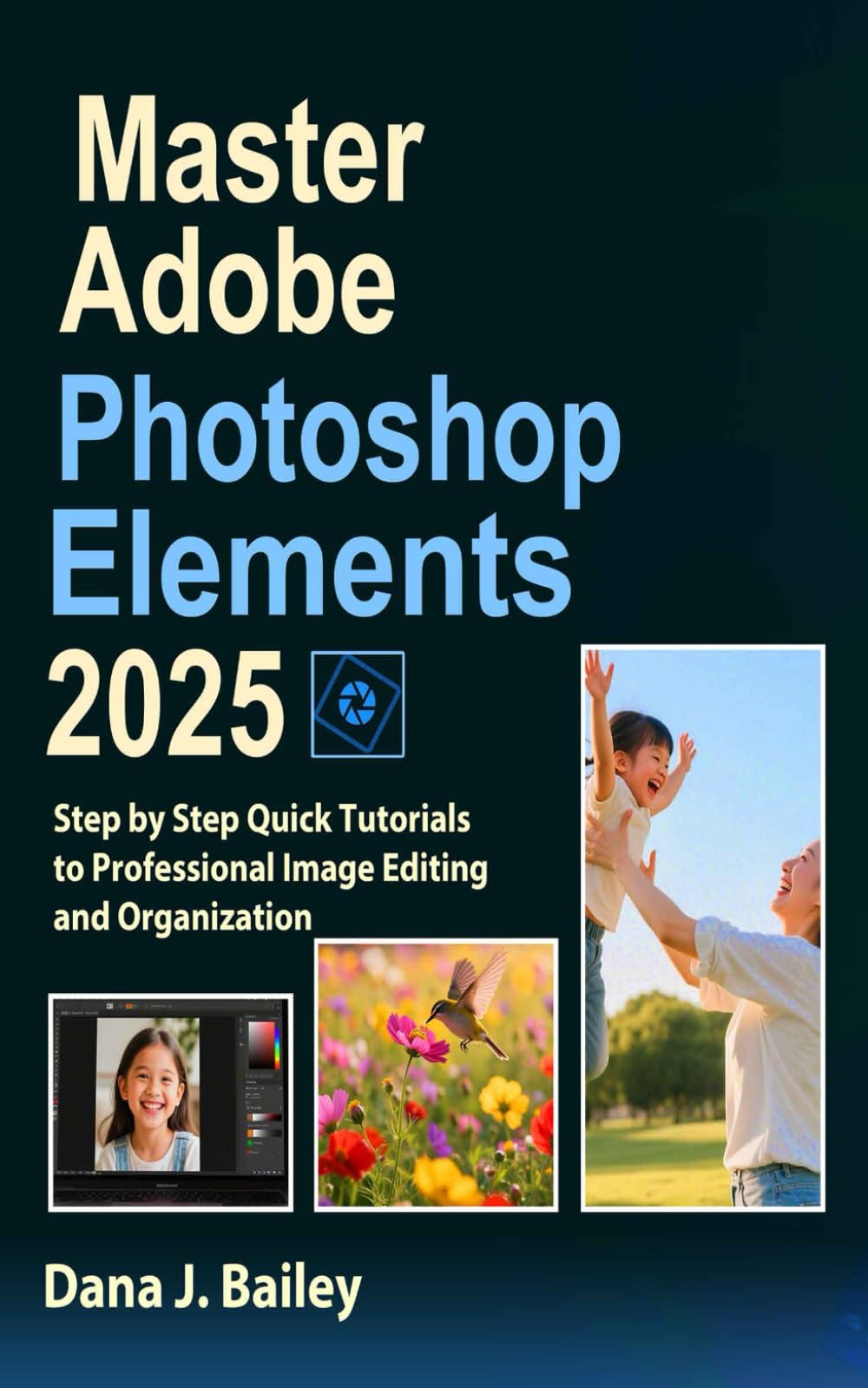
28 reviewsUnlock Your Creative Potential: The Ultimate Guide to Mastering Photo Editing in Record Time
Are you ready to elevate your digital photography skills without spending months learning complicated software? This comprehensive guide to Adobe Photoshop Elements 2025 is your perfect companion whether you're just starting out or looking to refine your editing techniques.
Unlike other tutorials that overwhelm you with technical jargon, this book speaks your language with crystal-clear instructions that make even complex editing processes feel intuitive. From day one, you'll navigate the Photoshop Elements interface with confidence, discovering powerful tools that professional photographers use daily.
This guide stands apart by focusing on practical mastery. Each chapter builds your skills progressively through hands-on tutorials that transform ordinary photos into stunning visual stories. You'll be amazed at how quickly you can:
Organize your growing photo collection with smart cataloging systems
Enhance portraits by removing imperfections while maintaining natural looks
Transform landscape photos with professional color grading techniques
Create compelling photo compositions through expert cropping and resizing
Master advanced features like Camera Raw for professional-quality adjustments
The book's unique approach combines visual learning with step-by-step instructions, screenshots, and real-world examples that make complex concepts immediately actionable. Whether you want to create frame-worthy family portraits or prepare images for social media that stand out from the crowd, you'll find specific workflows designed for your needs.
Discover time-saving shortcuts that even experienced users miss, learn versatile techniques that apply across countless situations, and gain insider knowledge on which tools to use for specific challenges. As you progress through chapters covering everything from basic edits to
…
4.4
8 reviews
4.5
5 reviews
4.7
40 reviews
5.0
10 reviews
4.9
27 reviews
4.9
13 reviews