
Most ebook files are in PDF format, so you can easily read them using various software such as Foxit Reader or directly on the Google Chrome browser.
Some ebook files are released by publishers in other formats such as .awz, .mobi, .epub, .fb2, etc. You may need to install specific software to read these formats on mobile/PC, such as Calibre.
Please read the tutorial at this link. https://ebooknice.com/page/post?id=faq
We offer FREE conversion to the popular formats you request; however, this may take some time. Therefore, right after payment, please email us, and we will try to provide the service as quickly as possible.
For some exceptional file formats or broken links (if any), please refrain from opening any disputes. Instead, email us first, and we will try to assist within a maximum of 6 hours.
EbookNice Team
Status:
Available0.0
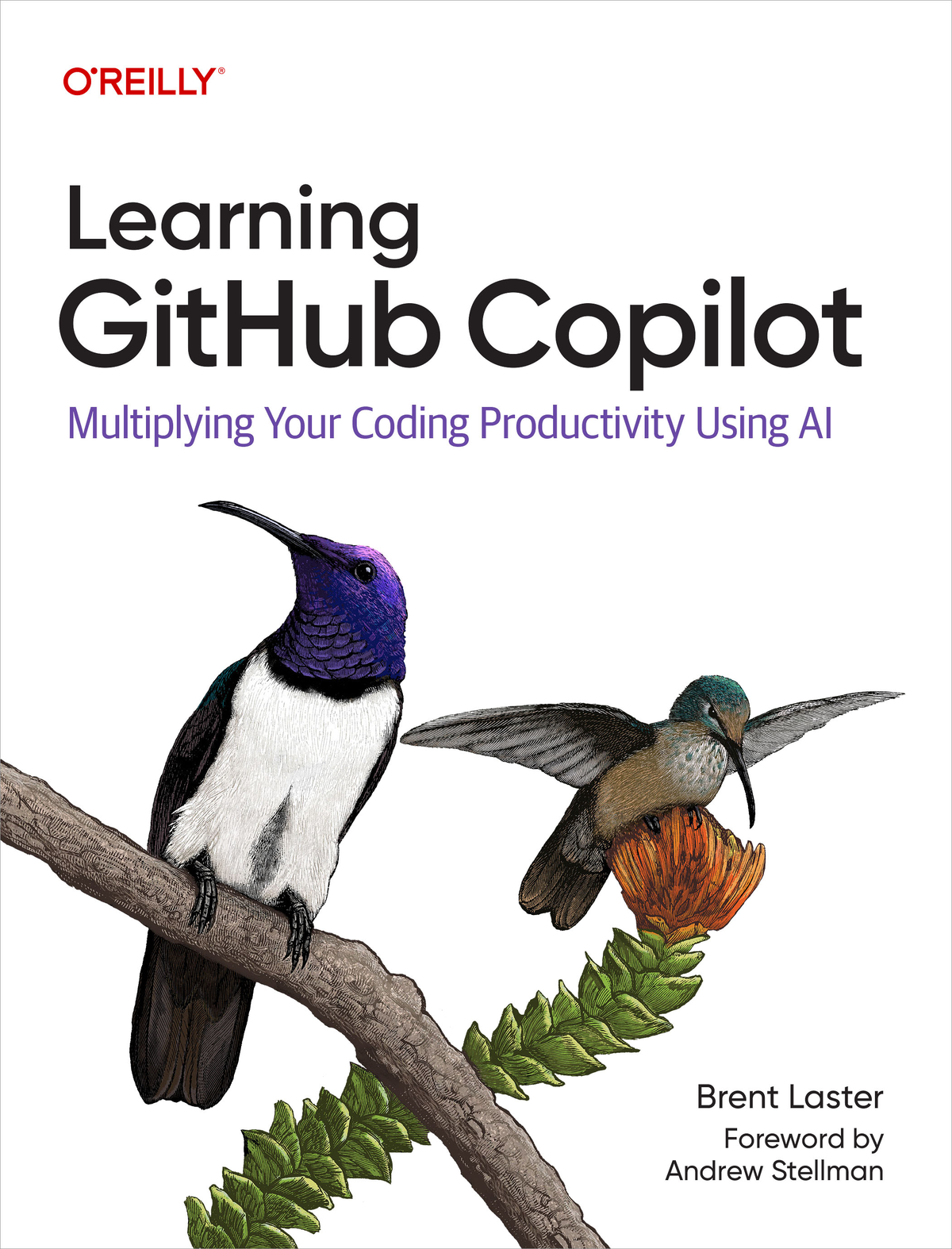
0 reviewsLearning GitHub Copilot shows DevOps engineers, software developers, and database administrators how to make the most of the tool's code completion and generation capabilities. You'll understand how to take advantage of the tool's chat interface to get rich, detailed responses. Suitable for all skill levels—no matter what coding language or framework you use—Learning GitHub Copilot provides the knowledge you need to fully utilize Copilot.
Learn how GitHub Copilot leverages GenAI and what it can do
Understand when and how to use Copilot's separate inline and chat interfaces
Explore ways to use Copilot for creating, testing, documenting, explaining, and fixing code
Learn how to use Copilot for testing frameworks, SQL generation, and Kubernetes manifests
Understand how Copilot integrates with IDEs and GitHub
Discover the key strategies, tips, and tricks to make the most of Copilot's capabilities
4.5
17 reviews
4.7
38 reviews
4.4
28 reviews
4.9
5 reviews
4.8
13 reviews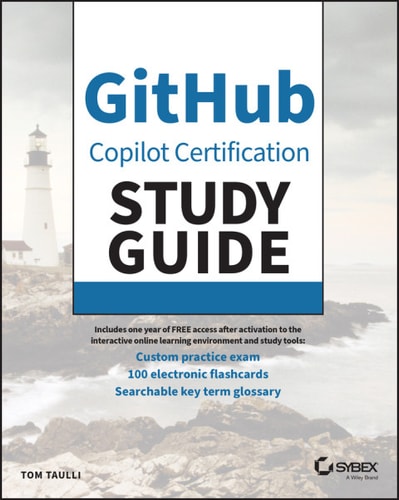
4.6
13 reviews
4.4
8 reviews