logo
Product categories

EbookNice.com

Most ebook files are in PDF format, so you can easily read them using various software such as Foxit Reader or directly on the Google Chrome browser.
Some ebook files are released by publishers in other formats such as .awz, .mobi, .epub, .fb2, etc. You may need to install specific software to read these formats on mobile/PC, such as Calibre.

Please read the tutorial at this link.  https://ebooknice.com/page/post?id=faq


We offer FREE conversion to the popular formats you request; however, this may take some time. Therefore, right after payment, please email us, and we will try to provide the service as quickly as possible.


For some exceptional file formats or broken links (if any), please refrain from opening any disputes. Instead, email us first, and we will try to assist within a maximum of 6 hours.

EbookNice Team
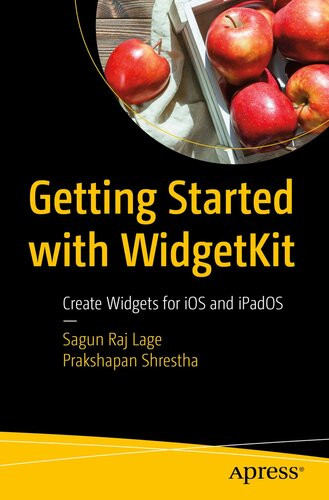
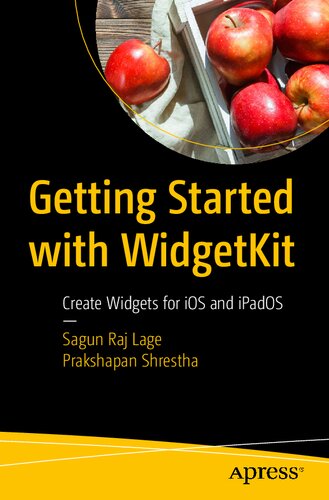
(Ebook) Getting Started with WidgetKit: Create Widgets for iOS and iPadOS by Sagun Raj Lage; Prakshapan Shrestha ISBN 9781484270424, 1484270428

  • SKU: EBN-26862800
Zoomable Image
$ 32 $ 40 (-20%)

Status:

Available

4.8

33 reviews
Instant download (eBook) Getting Started with WidgetKit: Create Widgets for iOS and iPadOS after payment.
Authors:Sagun Raj Lage; Prakshapan Shrestha
Pages:157 pages.
Year:2021
Editon:1
Publisher:Apress
Language:english
File Size:6.71 MB
Format:epub
ISBNS:9781484270424, 1484270428
Categories: Ebooks

Product desciption

(Ebook) Getting Started with WidgetKit: Create Widgets for iOS and iPadOS by Sagun Raj Lage; Prakshapan Shrestha ISBN 9781484270424, 1484270428

Develop handy, UI/UX friendly and eye-pleasing widgets using the brand new WidgetKit. Apple’s brand new widgets allow iOS users to work with their favorite apps in the home screen of their iPhone or iPad without even opening the app!Join us in this exciting journey as we explore the APIs introduced in Apple’s WidgetKit framework. You'll dive into the human interface guidelines (HIG) for creating widgets and review the recommendations Apple gives to developers for developing widgets with intuitive, easy-to-learn, and consistent user interfaces. In addition, you’ll take a look at some SwiftUI views that are useful not only in creating widgets for iOS apps, but also for creating iOS apps themselves.You’ll put everything you learn into practical application by actually writing code and creating widgets. Get a clear view of how everything works so that you’re able to incorporate widgets into your real-world projects authentically and successfully.What You'll Learn• Configure widgets and make them talk to APIs using URLSession• Work with timelines and event handling in widgets• Fetch content from a remote server and display the data in a widget• Make content dynamic both remotely and locallyWho This Book Is ForiOS developers working in the Apple ecosystem with a basic understanding of SwiftUI.
*Free conversion of into popular formats such as PDF, DOCX, DOC, AZW, EPUB, and MOBI after payment.

Related Products