Most ebook files are in PDF format, so you can easily read them using various software such as Foxit Reader or directly on the Google Chrome browser.
Some ebook files are released by publishers in other formats such as .awz, .mobi, .epub, .fb2, etc. You may need to install specific software to read these formats on mobile/PC, such as Calibre.
Please read the tutorial at this link. https://ebooknice.com/page/post?id=faq
We offer FREE conversion to the popular formats you request; however, this may take some time. Therefore, right after payment, please email us, and we will try to provide the service as quickly as possible.
For some exceptional file formats or broken links (if any), please refrain from opening any disputes. Instead, email us first, and we will try to assist within a maximum of 6 hours.
EbookNice Team
Status:
Available0.0
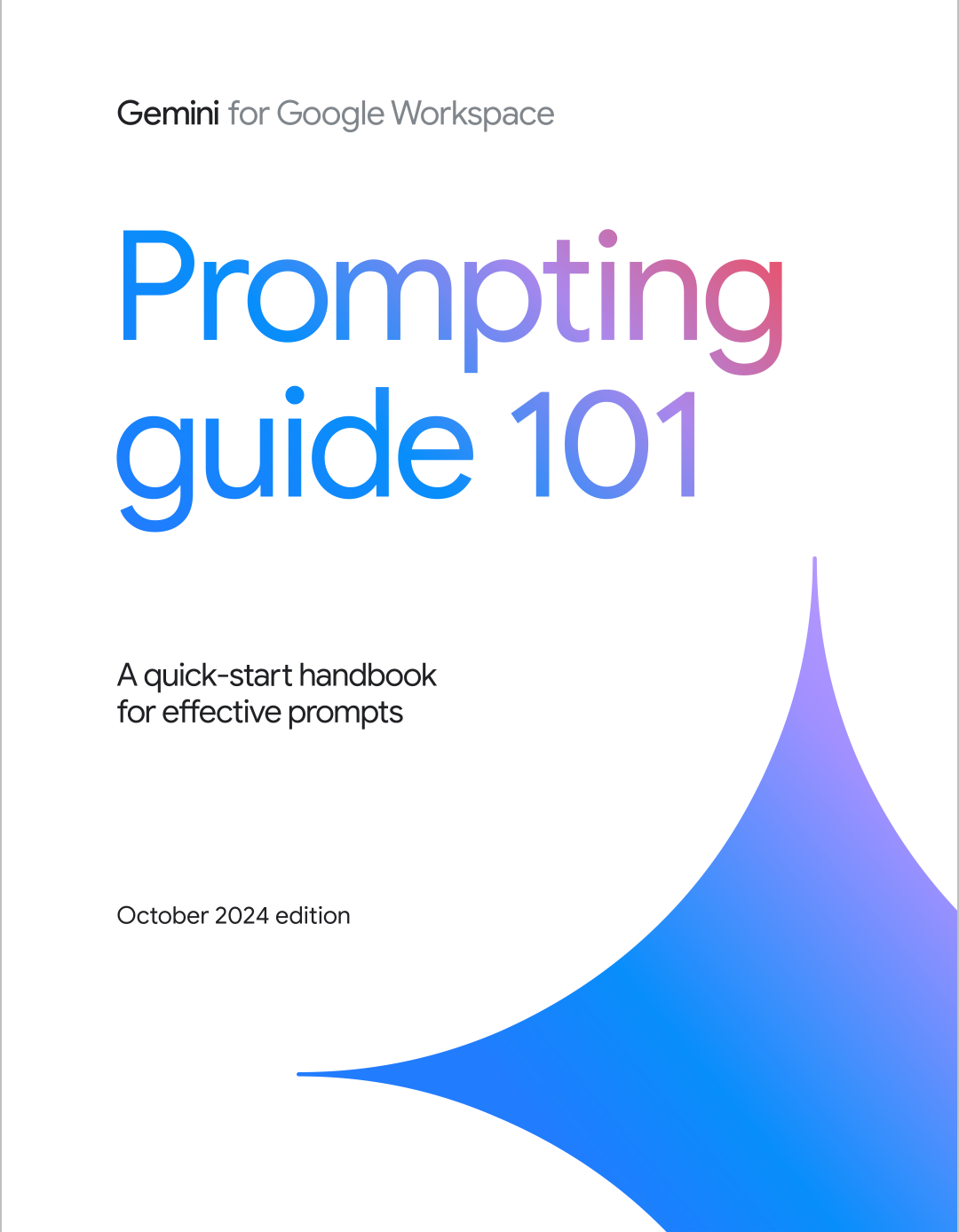
0 reviewsThis guide provides you with the foundational skills to write effective prompts when using Gemini for Workspace. You can think of a prompt as a conversation starter with your AI-powered assistant. You might write several prompts as the conversation progresses. While the possibilities are virtually endless, you can put consistent best practices to work today.
The four main areas to consider when writing an effective prompt are:
• Persona • Task • Context • Format
Here is an example of a prompt using all four areas that could work well in Gmail and Google Docs:
"You are a program manager in [industry]. Draft an executive summary email to [persona] based on [details about relevant program docs]. Limit to bullet points."
You don’t need to use all four in every prompt, but using a few will help! Always remember to include a verb or command as part of your task; this is the most important component of a prompt.
4.4
22 reviews
4.4
37 reviews


4.5
19 reviews