logo
Product categories

EbookNice.com

Most ebook files are in PDF format, so you can easily read them using various software such as Foxit Reader or directly on the Google Chrome browser.
Some ebook files are released by publishers in other formats such as .awz, .mobi, .epub, .fb2, etc. You may need to install specific software to read these formats on mobile/PC, such as Calibre.

Please read the tutorial at this link.  https://ebooknice.com/page/post?id=faq


We offer FREE conversion to the popular formats you request; however, this may take some time. Therefore, right after payment, please email us, and we will try to provide the service as quickly as possible.


For some exceptional file formats or broken links (if any), please refrain from opening any disputes. Instead, email us first, and we will try to assist within a maximum of 6 hours.

EbookNice Team
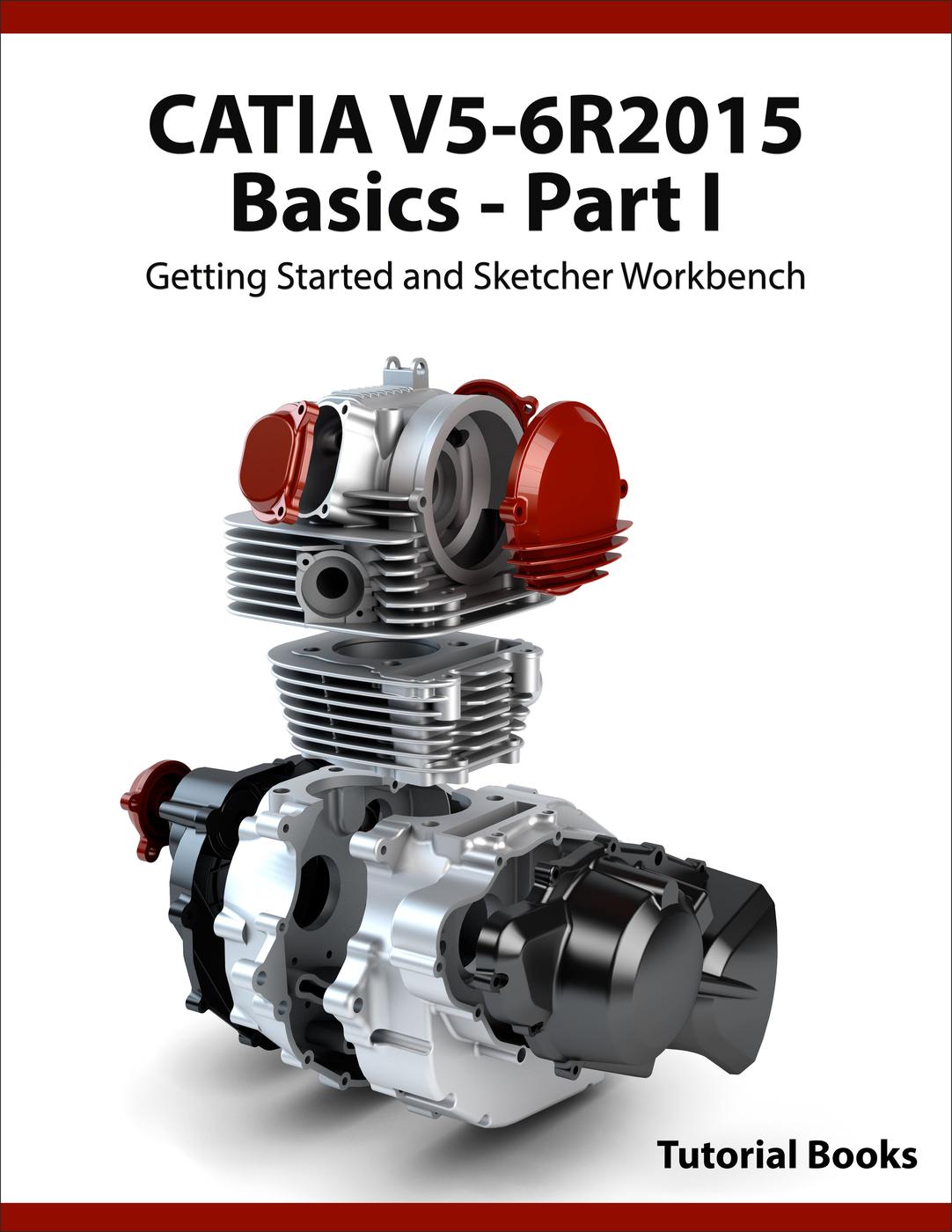
CATIA V5-6R2015 Basics - Part I : Getting Started and Sketcher Workbench by Tutorial Books instant download

  • SKU: EBN-237035836
Zoomable Image
$ 32 $ 40 (-20%)

Status:

Available

4.9

16 reviews
Instant download (eBook) CATIA V5-6R2015 Basics - Part I : Getting Started and Sketcher Workbench after payment.
Authors:Tutorial Books
Pages:updating ...
Year:2015
Publisher:Tutorial Books
Language:english
File Size:4.08 MB
Format:epub
Categories: Ebooks

Product desciption

CATIA V5-6R2015 Basics - Part I : Getting Started and Sketcher Workbench by Tutorial Books instant download

Getting Started with CATIA V5-6R2015      

  • Introduction to CATIA V5-6R2015      
  • File Types in CATIA V5    
  • Starting CATIA V5-6R2015
  • User Interface   
  • Standard Toolbar      
  • Start Menu
  • Menu bar
  • Toolbar
  • Status bar 
  • Specification Tree
  • Dialogs
  • Background
  • Shortcut Keys

Sketcher Workbench

  • Sketching in the Sketcher Workbench
  • Draw Commands
  • The Profile command
  • Polygon
  • Elongated Hole
  • Cylindrical Elongated Hole
  • Keyhole Profile
  • Line
  • Infinite Line
  • Bi-Tangent Line         
  • Bisecting Line
  • Line Normal to Curve        
  • Axis
  • Ellipse
  • Points by Clicking
  • Point by Using Coordinates
  • Equidistant Points
  • Intersection Point
  • Projection Point
  • Align Points
  • Spline
  • Connect
  • The Constraint command  
  • Over-constrained Sketch    
  • Auto Constraint
  • Edit Multi-Constraint
  • Contact Constraint     
  • Constraints Defined in Dialog   
  • The Fix Together command
  • Display Geometrical Constraints
  • Sketch Solving Status        
  • Sketch Analysis
  • Construction/Standard Element 
  • The Corner command        
  • The Chamfer command     
  • The Quick Trim command
  • The Break command 
  • The Close Arc command    
  • The Complement command
  • The Trim command  
  • The Mirror command
  • The Symmetry command
  • The Translate command
  • The Rotate command
  • The Scale command  
  • The Offset Curve command         
*Free conversion of into popular formats such as PDF, DOCX, DOC, AZW, EPUB, and MOBI after payment.

Related Products

-20%

Applied CATIA V5, R15 by Hansen, L. Scott instant download

4.5

12 reviews
$40 $32