logo
Product categories

EbookNice.com

Most ebook files are in PDF format, so you can easily read them using various software such as Foxit Reader or directly on the Google Chrome browser.
Some ebook files are released by publishers in other formats such as .awz, .mobi, .epub, .fb2, etc. You may need to install specific software to read these formats on mobile/PC, such as Calibre.

Please read the tutorial at this link.  https://ebooknice.com/page/post?id=faq


We offer FREE conversion to the popular formats you request; however, this may take some time. Therefore, right after payment, please email us, and we will try to provide the service as quickly as possible.


For some exceptional file formats or broken links (if any), please refrain from opening any disputes. Instead, email us first, and we will try to assist within a maximum of 6 hours.

EbookNice Team
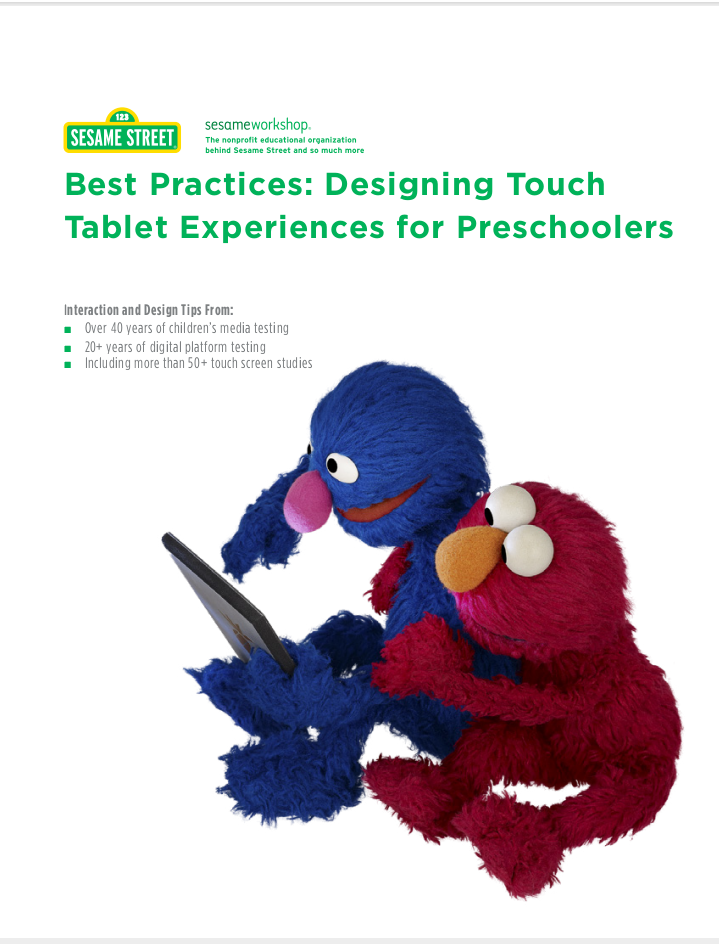
Best Practices: Designing Touch Tablet Experiences for Preschoolers by Sesame Workshop instant download

  • SKU: EBN-238021114
Zoomable Image
$ 32 $ 40 (-20%)

Status:

Available

4.9

41 reviews
Instant download (eBook) Best Practices: Designing Touch Tablet Experiences for Preschoolers after payment.
Authors:Sesame Workshop
Pages:17 pages
Year:2012
Publisher:Sesame Workshop
Language:english
File Size:1.8 MB
Format:pdf
Categories: Ebooks

Product desciption

Best Practices: Designing Touch Tablet Experiences for Preschoolers by Sesame Workshop instant download

With ownership of tablets more than doubled over the last year, more children than ever are engaging with touch screen devices. Sesame Workshop, the nonprofit educational organization behind Sesame Street, today released a paper that offers key findings from touch screen studies and tips for designing and developing apps and ebooks for preschoolers. Best Practices: Designing Touch Tablet Experiences for Preschoolers is based on more than 50 studies and shares Sesame Workshop’s approach and discoveries in creating effective educational content for these mobile platforms.
-
Best Practices outlines interactive design points that research has shown to best support child engagement and learning on digital touch platforms. It also categorizes the most and least intuitive gestures for touch screens, tips for visual design and layout. Findings and tips include:
-
• Provide dialogue and visual reinforcements to help preschoolers who usually cannot read. Preschoolers are inclined to hold tablets in landscape view.
• Tapping is one of the most intuitive interactions for preschoolers while pinching and flicking are often difficult for children with developing motor skills.
• Preschoolers tend to rest their wrists along the bottom edge of tablets, making hotspots and icons placed along the edge potential triggers for unintentional actions that disrupt the activity.
*Free conversion of into popular formats such as PDF, DOCX, DOC, AZW, EPUB, and MOBI after payment.

Related Products

-20%

The Cobalt Mask by Sesame Workshop instant download

4.4

24 reviews
$40 $32