
Most ebook files are in PDF format, so you can easily read them using various software such as Foxit Reader or directly on the Google Chrome browser.
Some ebook files are released by publishers in other formats such as .awz, .mobi, .epub, .fb2, etc. You may need to install specific software to read these formats on mobile/PC, such as Calibre.
Please read the tutorial at this link. https://ebooknice.com/page/post?id=faq
We offer FREE conversion to the popular formats you request; however, this may take some time. Therefore, right after payment, please email us, and we will try to provide the service as quickly as possible.
For some exceptional file formats or broken links (if any), please refrain from opening any disputes. Instead, email us first, and we will try to assist within a maximum of 6 hours.
EbookNice Team
Status:
Available4.7
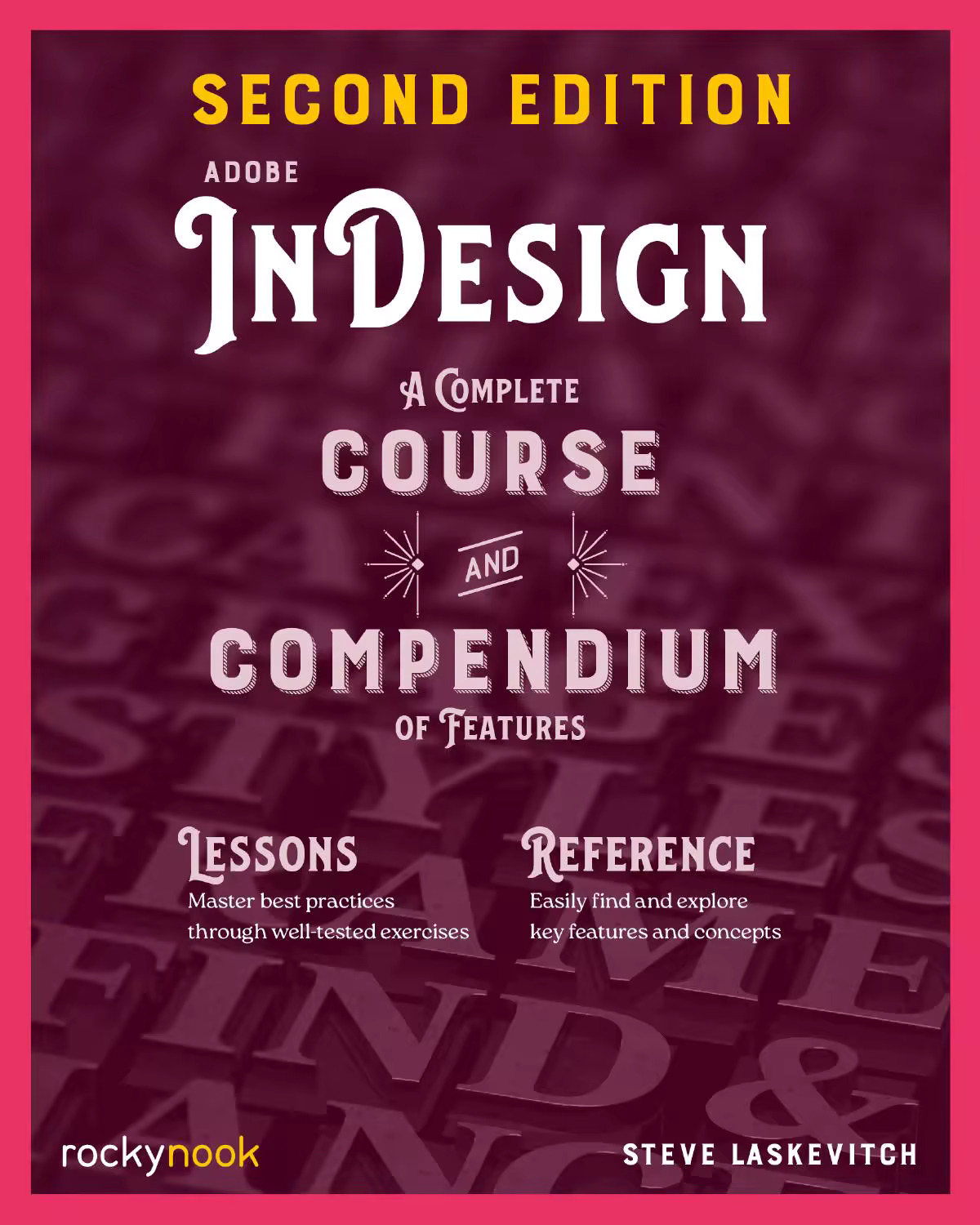
34 reviewsFirst, with a complete Course that includes a new set of projects and lessons derived from the curriculum of award-winning and Adobe Certified Instructor Steve Laskevitch, you will learn the procedures needed to use InDesign professionally. Dozens of lessons are included that can be applied to any document you have in mind: engineering proposals, marketing collateral, spec sheets, magazines, newsletters, books, and more. Through these step-by-step lessons, you'll be exposed to all of InDesign's features in practical contexts and its best practices for publishing workflows. We'll supply lesson documents and their assets to download, and you can use your Course creations as starting points for your own projects.
The updated Compendium provides even greater depth of knowledge and serves as an in-depth reference you can rely on long after the course is done. With each topic easy to access, you can find and explore all of InDesign's key features and concepts in depth. With cross references between the Course and Compendium, the two parts of the book complement each other perfectly.
4.4
16 reviews
4.5
11 reviews
4.8
35 reviews
4.7
31 reviews
4.6
16 reviews
4.9
26 reviews
4.5
5 reviews
4.6
13 reviews
4.7
30 reviews