Most ebook files are in PDF format, so you can easily read them using various software such as Foxit Reader or directly on the Google Chrome browser.
Some ebook files are released by publishers in other formats such as .awz, .mobi, .epub, .fb2, etc. You may need to install specific software to read these formats on mobile/PC, such as Calibre.
Please read the tutorial at this link. https://ebooknice.com/page/post?id=faq
We offer FREE conversion to the popular formats you request; however, this may take some time. Therefore, right after payment, please email us, and we will try to provide the service as quickly as possible.
For some exceptional file formats or broken links (if any), please refrain from opening any disputes. Instead, email us first, and we will try to assist within a maximum of 6 hours.
EbookNice Team
Status:
Available4.9
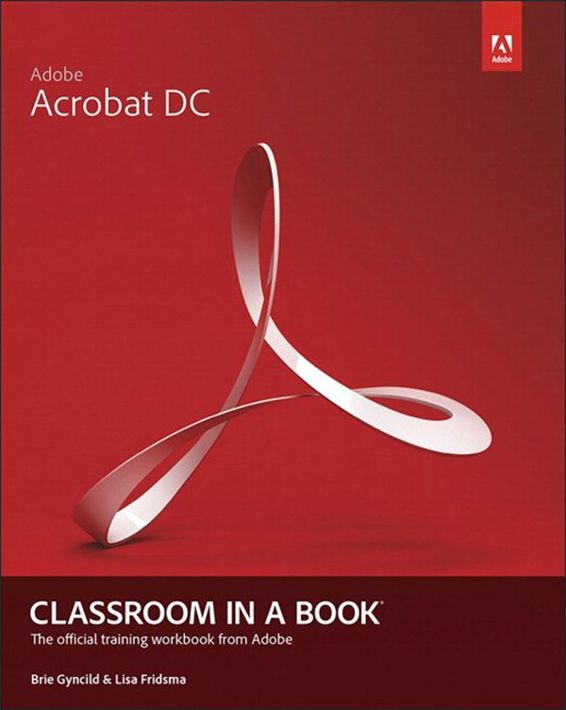
12 reviewsAdobe Acrobat DC Classroom in a Book is the most thorough and comprehensive way for students to learn how to reliably create, edit, and sign PDF documents and forms with Adobe Acrobat DC. Each of the 13 lessons in this step-by-step, project-based guide contains a project that builds on their growing knowledge of the program, while end-of-chapter review questions reinforce each lesson. This cross-platform (Mac and Windows) book shows students how to collaborate effectively through electronic reviews, easily share their work across multiple platforms and devices (including via the new Adobe Document Cloud service), and speed up their production and business task workflow with Acrobat DC.
All of the book’s screenshots have been updated for the new edition, showing users how to navigate the completely overhauled user interface–a selling point for existing users of the software. Readers will also learn how to use the new Tool pane so they can easily convert files (Microsoft Office documents and graphics) to PDF and then learn how to directly edit text and images in their PDFs. They'll also learn how to use the newly refreshed tools to build PDF or web forms, speed up business workflow by gathering feedback and approval via online document reviews. And they'll learn how to create interactive forms and track responses within Acrobat, how to add signatures and security to their PDF files, and much more.
All of the project files used in the book’s lessons are available for readers to download at peachpit.com.
**
About the AuthorLisa Fridsma is has long loved the process of teaching others to use Adobe product. She has written, edited, and designed over thirty books in the Classroom in a Book series over the last decade and a half (including books on Photoshop and After Effects), going back to her time on-staff at Adobe. She’s currently the owner of Darlington Hill Productions (Informational illustrations and publishing). Lisa lives in Bethesda, MD with her family and two above-average dogs.
Brie Gyncild aims to make technical information accessible to those who need it. Brie has authored The Photoshop CS5 Pocket Guide and The Photoshop Elements 8 Pocket Guide. She has also co-written The Photoshop Show Starring Russell Brown; numerous editions of the Classroom in a Book series on Photoshop, After Effects, Flash, and Acrobat; and several editions of the How to Wow series. Brie lives in Seattle with two cats and an overgrown garden.
5.0
41 reviews
5.0
28 reviews
4.6
12 reviews
4.6
25 reviews
4.7
6 reviews
4.4
41 reviews